


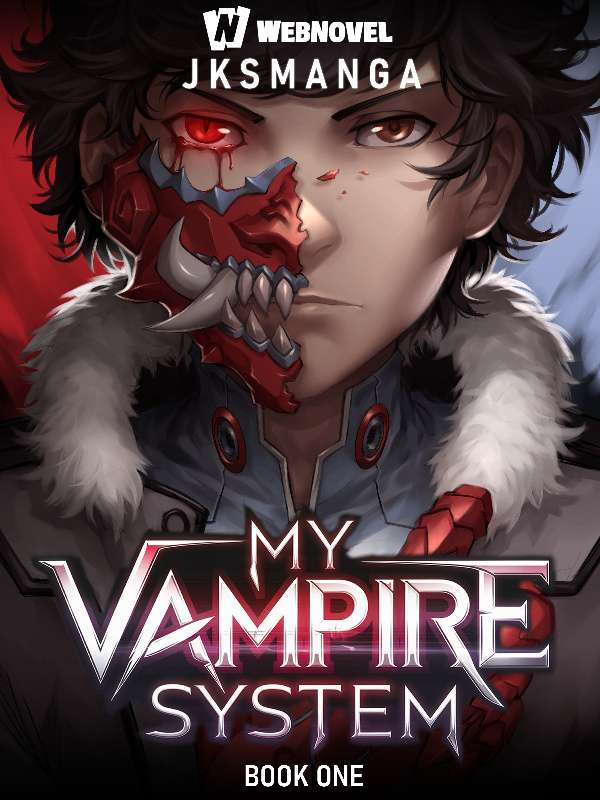


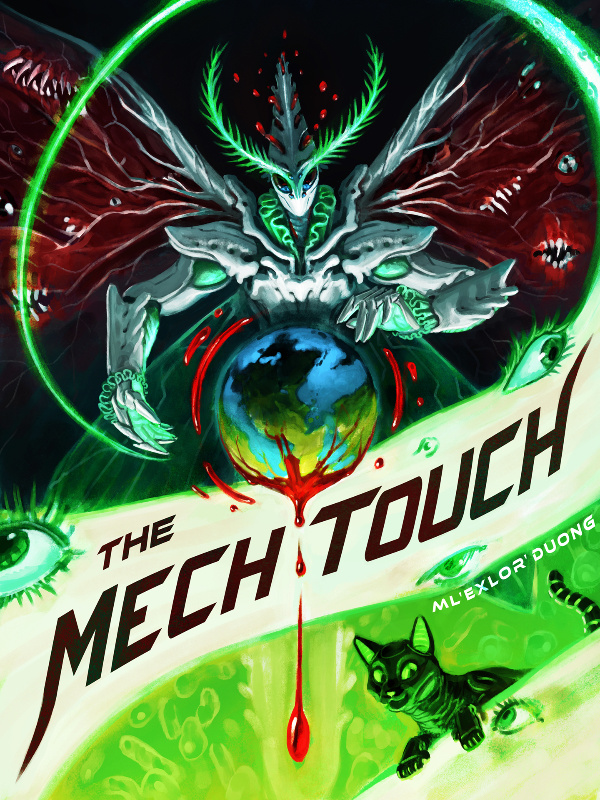

Website placements
Homepage grids, search results, ranking lists, and the full novel details page.
Upload your cover once and preview it across the website, the mobile app, and every thumbnail size in between — free, no signup needed.
or click to choose an image — pasting a screenshot works too
Recommended ratio ≈ 3 : 4Homepage grids, search results, ranking lists, and the full novel details page.
Five core app views rendered inside a realistic phone frame, scaled to true size.
Your cover from 256px down to a 40px ranking row — does the art survive?
Contrast, detail retention, and title visibility measured on real downscales.
Quick reference
WebNovel shows your cover at a 3 : 4 ratio everywhere — but display sizes range from full-page heroes down to 40-pixel ranking rows. Design once for the smallest one.
| Placement | Typical display size | What to check |
|---|---|---|
| Source upload | 3 : 4 ratio · min 600 × 800 px · 1200 × 1600 px recommended | Sharpness headroom for every smaller placement |
| Website homepage & popular grids | ≈ 256 px wide tiles | Title readable at a glance |
| Search results & library lists | ≈ 72 px tall thumbnails | Art stays recognizable, colors stay distinct |
| Bestseller ranking rows | ≈ 40 px tall | Silhouette and palette still stand out |
| Mobile app details page | Full-width card at ~3 : 4 | Key art survives overlays and gradients |
Read the full WebNovel cover size guide for specs, export settings, and thumbnail design tips — or copy our ready-to-useAI cover prompt to generate one.
FAQ
WebNovel displays covers at a 3 : 4 aspect ratio everywhere. Upload at least 600 x 800 px - ideally 1200 x 1600 px - so your art stays sharp from homepage grid tiles down to 40-pixel ranking-row thumbnails.
Yes. The tool is completely free, needs no account or signup, and has no usage limits.
No. Everything - uploads, previews, stress tests, and scores - runs locally in your browser. Your images never leave your device.
JPG, PNG, and WebP files up to 10 MB. You can also paste a screenshot straight from your clipboard.
Yes. The studio renders five real app placements - novel details, featured home, bestseller ranking, library, and search results - inside a phone frame at true scale.
Yes. Add up to three covers and every placement, thumbnail size, and readability score updates side by side so you can pick the stronger design.
No. WebNovel Cover Preview is an independent visual testing tool for authors. It is not affiliated with or endorsed by WebNovel.
Every preview that follows — desktop pages, phone screens, tiny ranking rows — is built from this single image and the details below it.
Title, author, and genre are enough for most previews. The extra options fill in ranking rows, library cards, and the details page.
Overall score
Scores are computed locally in your browser by downscaling your cover to real ranking-row sizes (72px / 40px) and measuring contrast, edge detail, color, and title-region visibility on the result. Directional guidance only — not a guarantee of performance.
Add a second cover to start comparing — app screens, thumbnails, and readability scores update instantly.